

Popular searches
- Keyboard
- Magnetic keyboard
- MADE68 ultra
- Low profile keyboard

Ships within 48 hours.

Return & refund policy

Replies within 24 hours.

Easy lighting & macro setup.
Hide filter
Clear all
MOJO68 Mechanical Keyboard Plastic
Color:
Switches:
Ship from:

Pixel Mechanical Keyboard Palette
Color:
Switches:
Ship from:

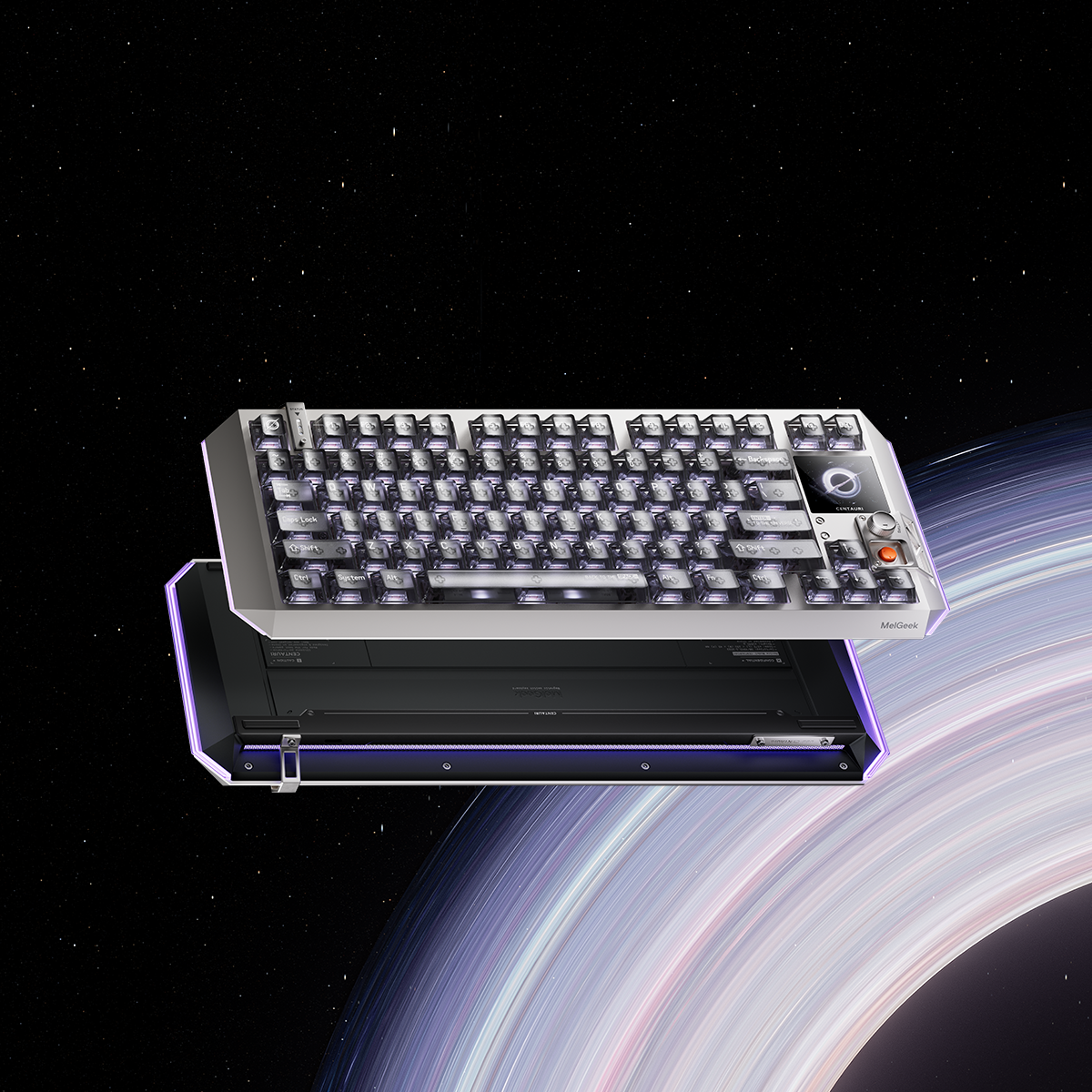
Centauri60/80 Hall Effect Gaming Keyboard
Centauri Series:
Ship From:
MADE68 Pro+ Hall Effect Gaming Keyboard
Color:
Ship from:

MADE68 Ultra+ Jelly Pink Gaming Keyboard
Color:
Ship from:

Pixel Mechanical Keyboard Canvas
Color:
Switches:
Ship from:

MADE84 Ultra+ Hall Effect Gaming Keyboard
Color:
Ship from:

Pixel Mechanical Keyboard Christian
Color:
Switches:
Ship from:

MADE68 Ultra+ Black Hall Effect Gaming Keyboard
Color:
Ship from:

Cortezia's Choice: MelGeek MADE68 Ultra+ (Jelly Pink) & Horus Gaming Mouse Bundle
Color:
Ship From:

Color:
Cortezia's Choice: MelGeek MADE68 Ultra+ (Black) & Horus Gaming Mouse Bundle
Color:
Ship From:

Color:
Cortezia's Choice: MelGeek Centauri80 & Horus Bundle
Include:
Ship From:

Include:
Cortezia's Choice: MelGeek MADE68 Ultra+ (Red) & Horus Gaming Mouse Bundle
Color:
Ship From:

Color:
FREQUENTLY ASKED QUESTIONS
Are enthusiast keyboards in this collection suitable for gaming?
Yes. Many enthusiast users build keyboards that balance gaming performance and typing comfort. If gaming is your priority, focus on switch feel (fast + light actuation) and a stable layout you’re comfortable with.
Are these products full keyboards or DIY parts?
This collection includes enthusiast-focused items such as keyboards, accessories, and components. Some products are fully assembled and ready to use, while others may be “barebones” or require you to choose switches/keycaps separately. Always check the product page for what’s included in the box.
Which layout should I choose for a custom build?
65%: compact but keeps arrow keys (great for daily + gaming)75%: compact with a function row (great for productivity)TKL/80%: more keys and spacing, closer to full-size feelPick based on whether you need function keys, navigation keys, or maximum desk space.
Does MelGeek support QMK/VIA or KBTools?
Absolutely. We understand that customization is key for enthusiasts. Our keyboards typically support either our proprietary KBTools software or the industry-standard QMK/VIA open-source firmware. Please check the specific product description to confirm which software is supported for remapping keys and setting up macros.
What operating systems are compatible with these keyboards?
Our keyboards are designed to be versatile. They are fully compatible with Windows, macOS, Linux, iOS, and Android. Most models include a physical toggle switch to swap between Mac and Windows layouts, and we often provide additional Mac-specific keycaps in the box.
Can I use third-party keycaps on my MelGeek keyboard?
Yes. Our keyboards use standard MX-style stems, which are compatible with the vast majority of aftermarket keycap sets (Cherry, OEM, DSA, SA profiles, etc.). However, we recommend checking the specific layout (e.g., 65%, 75%, or 80%) to ensure the right-side modifiers and spacebar sizes match your custom set.
|
Comparison |
| Color |
| Number of Keys |
| Case Material |
| Keycaps Material |
| Polling Rate |
| Switch |
| Backlighting |
| RT Precision |
| Dead Zone |
| Latency |
| Price |