

Popular searches
- Keyboard
- Magnetic keyboard
- MADE68 ultra
- Low profile keyboard

Ships within 48 hours.

Return & refund policy

Replies within 24 hours.

Easy lighting & macro setup.
Hide filter
Clear all
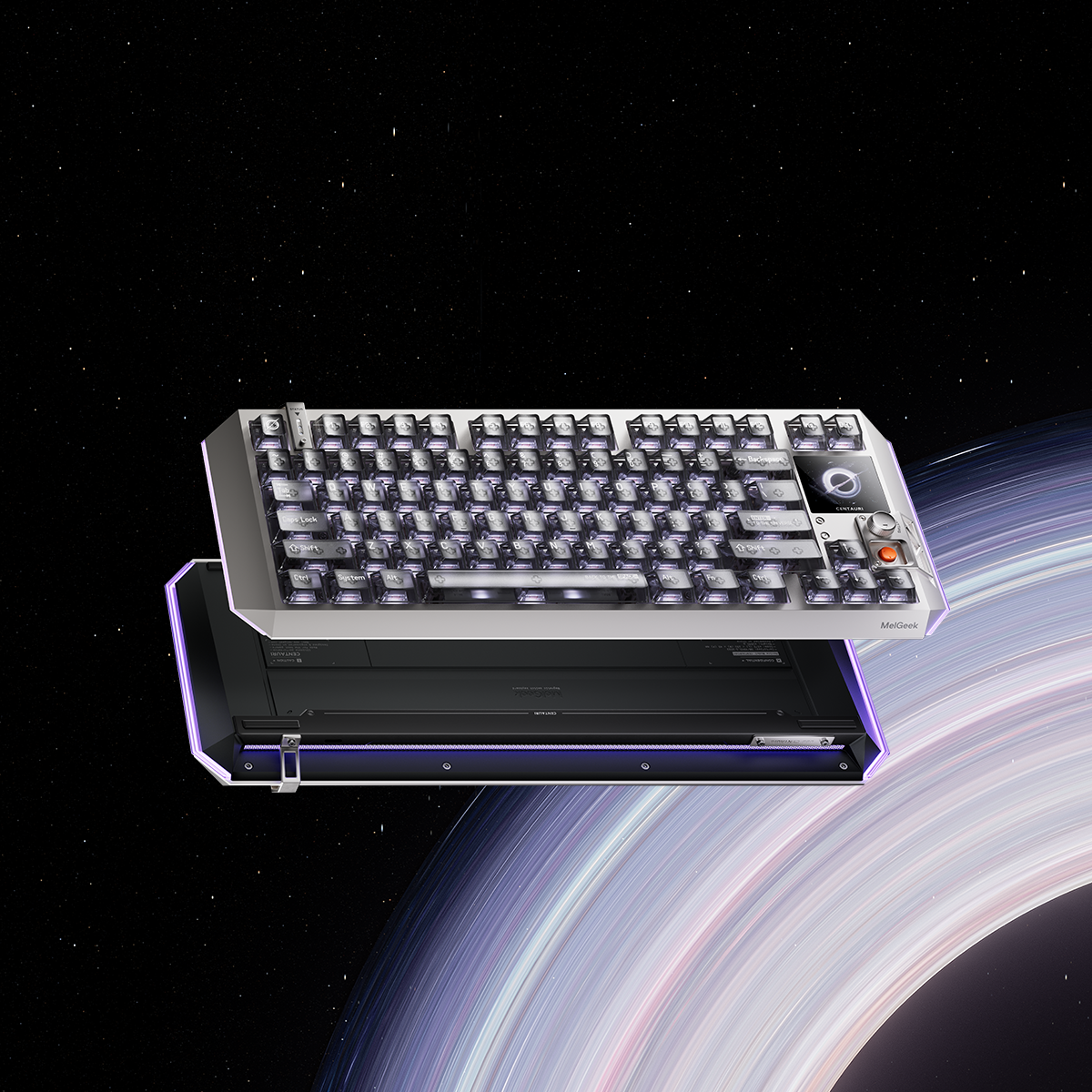
Centauri60/80 Hall Effect Gaming Keyboard
Centauri Series:
Ship From:
MADE68 Ultra+ Gaming Keyboard
Color:
Ship from:

MADE68 Pro Gaming Keyboard
Color:
Ship from:

REAL67/81 Gaming Keyboard
Color:
Ship from:

Color:
MADE84 Pro Gaming Keyboard Orange
Color:
Ship from:

MADE68 Ultra+ Jelly Pink Gaming Keyboard
Color:
Ship from:

MADE68 Pro+ Hall Effect Gaming Keyboard
Color:
Ship from:

MADE84 Pro Gaming Keyboard
Color:
Ship from:

REAL81 Gaming Keyboard
Include:
Ship from:

MADE68 Ultra+ Black Hall Effect Gaming Keyboard
Color:
Ship from:

MADE84 Ultra+ Hall Effect Gaming Keyboard
Color:
Ship from:

Cortezia's Choice: MelGeek MADE68 Ultra+ (Black) & Horus Gaming Mouse Bundle
Color:
Ship From:

Color:
Cortezia's Choice: MelGeek MADE68 Ultra+ (Red) & Horus Gaming Mouse Bundle
Color:
Ship From:

Color:
Cortezia's Choice: MelGeek MADE68 Ultra+ (Jelly Pink) & Horus Gaming Mouse Bundle
Color:
Ship From:

Color:
Cortezia's Choice: MelGeek Centauri80 & Horus Bundle
Include:
Ship From:

Include:
FREQUENTLY ASKED QUESTIONS
What is a gaming keyboard?
A gaming keyboard is a keyboard designed to make in-game inputs feel faster, more consistent, and easier to control. Compared with a standard office keyboard, gaming models typically focus on quicker response, better durability for repeated key presses, and customization features like lighting and macros (MelGeek highlights Hive software for easy lighting and macro setup).
Can gaming keyboards be used as regular keyboards?
Yes, they are excellent for daily office work and coding. Their premium switches and ergonomic designs provide superior comfort and reduce finger fatigue during long typing sessions. Additionally, programmable keys (Macros) and software like MelGeek Hive can significantly boost your professional productivity.
What are the different types of gaming keyboards?
Most gaming keyboards fall into a few common categories:Mechanical keyboards: Known for clear key feel and long-lasting switches.Magnetic (Hall Effect) keyboards: Use magnetic sensing for actuation and are popular for speed-focused playstyles.Membrane keyboards: Usually quieter and more budget-friendly, but less “crisp” in feel.By connection: Wired or wireless (this specific collection is filtered as wired).
What are the different sizes of gaming keyboards?
Gaming keyboards come in various layouts to suit different desk setups:Full-Size (100%): Includes the Numpad and F-row.TKL (80%): Removes the Numpad to give your mouse more room to move.75% & 65%: Compact layouts (like MelGeek MADE68 Ultra and MADE84 Pro ) that keep essential arrow keys while saving significant desk space.60%: The most portable size, strictly focusing on the core typing area for a minimalist setup.
What are the benefits of gaming keyboards?
The main benefits include ultra-low latency for faster reaction times, extreme durability (rated for millions of clicks), and personalization. Features like Hot-swappable sockets allow you to change switches without soldering, while customizable RGB lighting helps highlight keybinds and enhances your gaming atmosphere.
|
Comparison |
| Color |
| Number of Keys |
| Case Material |
| Keycaps Material |
| Polling Rate |
| Switch |
| Backlighting |
| RT Precision |
| Dead Zone |
| Latency |
| Price |